
My family and I have moved around quite a bit over the last few years, so designing (and redesigning) a space is nothing new to me. The challenge I frequently encounter is planning a visual design before committing to it. This is also challenging for someone like me, who purchases a lot of furniture and decor secondhand from thrift stores or Facebook Marketplace. Thankfully, with the help of technology, I have found the perfect, practical solution.
I know I’m not the only one who’s experienced buyer’s remorse after splurging on a decor piece that I swore would be the perfect addition, only to bring it home and realize I completely missed the mark. After one too many of these incidents, I decided I needed to visually plan out a space before making any large purchases.
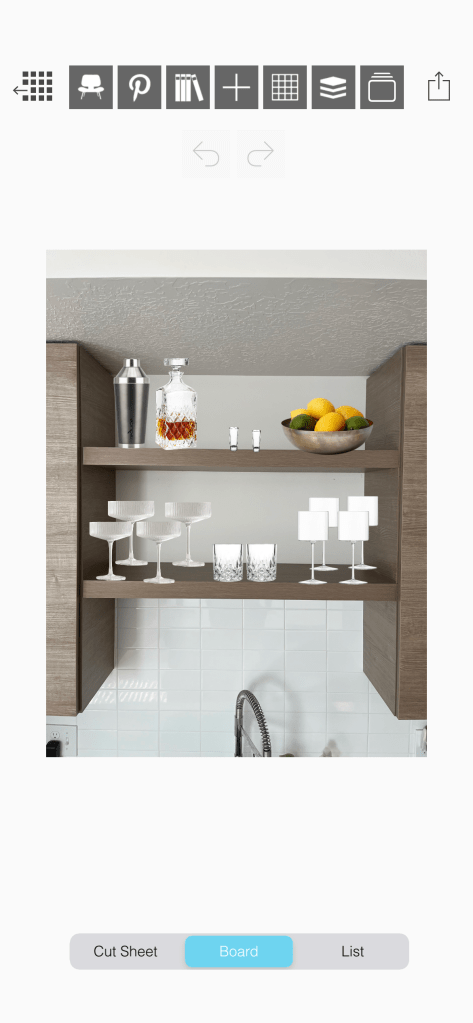
Using just two platforms (both free), I curated a mood board for a space featuring each piece of home decor I planned to use. While it was slightly time-consuming and tedious, the end result was incredibly useful. Seeing all of the pieces next to each other quickly made me realize whether an item coincided with the space or clashed.
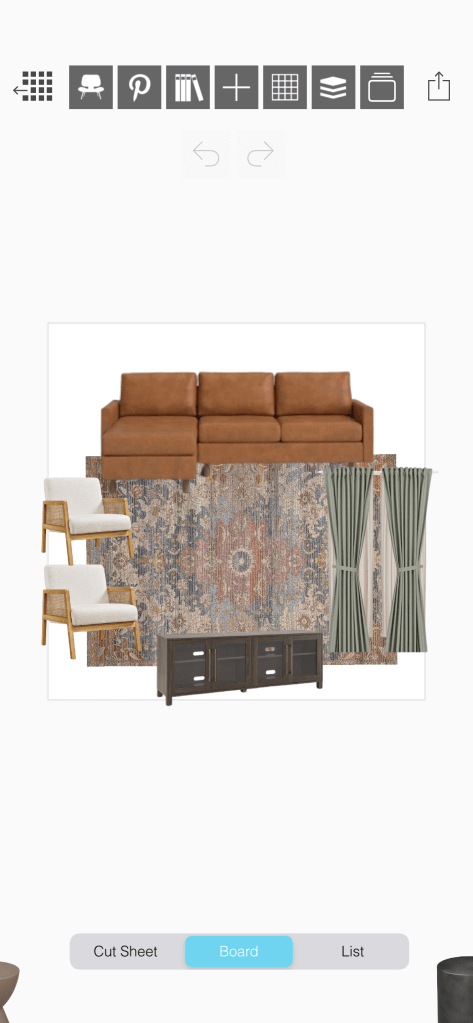
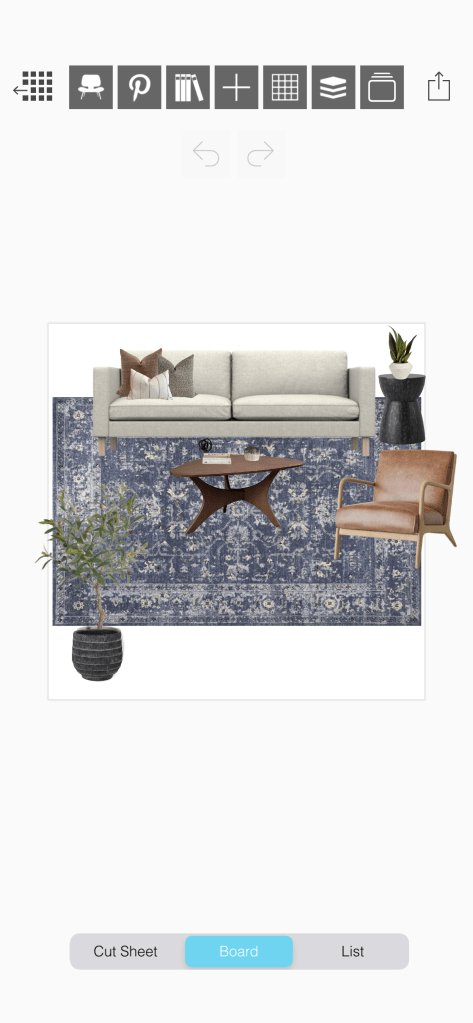
When deciding which secondhand rug to purchase from Marketplace, I simply added photos to my living room board, and that quickly made the decision for me. With this method of planning, you can even include photos of your floors and walls to really ensure everything is cohesive.
Here’s what I do:
I use the app, Morpholio Board, to curate my designs. This app essentially allows you to create moodboards and offers a ton of helpful features, like creating design presentations, color charts, and even shopping lists. There are several platforms like this (including Canva, which is very popular), so choose the one with the easiest user interface for you. This app serves as my blank canvas for creating visualizations for my space.
Next, I save images of the furniture and decor in my space to add to my moodboard. The key in this entire process is removing the background from those images. This creates a seamless vision for the potential of your space. When you’re able to stack pieces on top of and right next to each other, you gain a greater visualization of what a room will look like. Otherwise, you’re dealing with cluttered backdrops that aren’t your own and distract from the vision you’re trying to create.
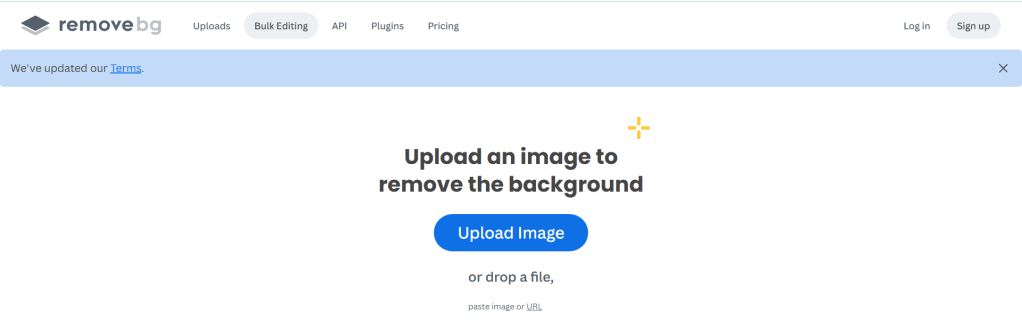
To remove the background from my images, I use a site called remove.bg. This site allows you to remove an image’s background in seconds for free. Just upload an image, and the process starts immediately. Before you know it, the background has been removed, and an updated version of your image is ready for download.
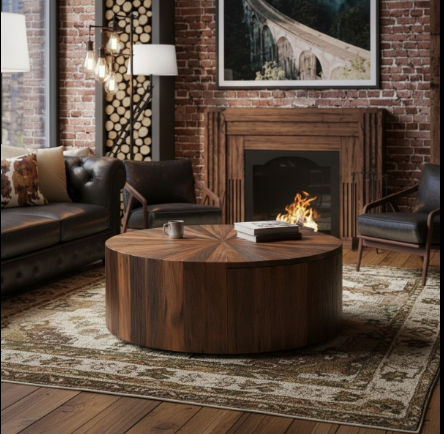
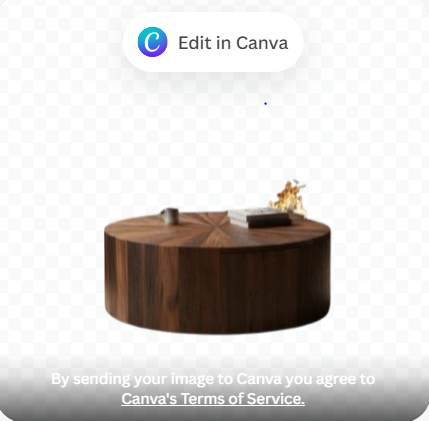
Once I’ve removed the backgrounds on all my images, I go into Morpholio Board and upload them. This is when things get fun. I rearrange and resize each image to ensure proportions are relatively accurate and place items where they would realistically go. I swap out pieces as needed, based on what I see, and iterate until I’ve curated my perfect space.
These moodboards are so incredibly handy. I keep them saved on the app, and whenever I’m considering swapping out throw pillows, a rug, or a coffee table, I pull it up to evaluate how it’d fit in the space. This has saved me a significant amount of time and money. It also makes me far more decisive in my design choices.
Are you into planning and curating your space beforehand? What methods do you utilize?



 Life, as of Late
Leave a comment